
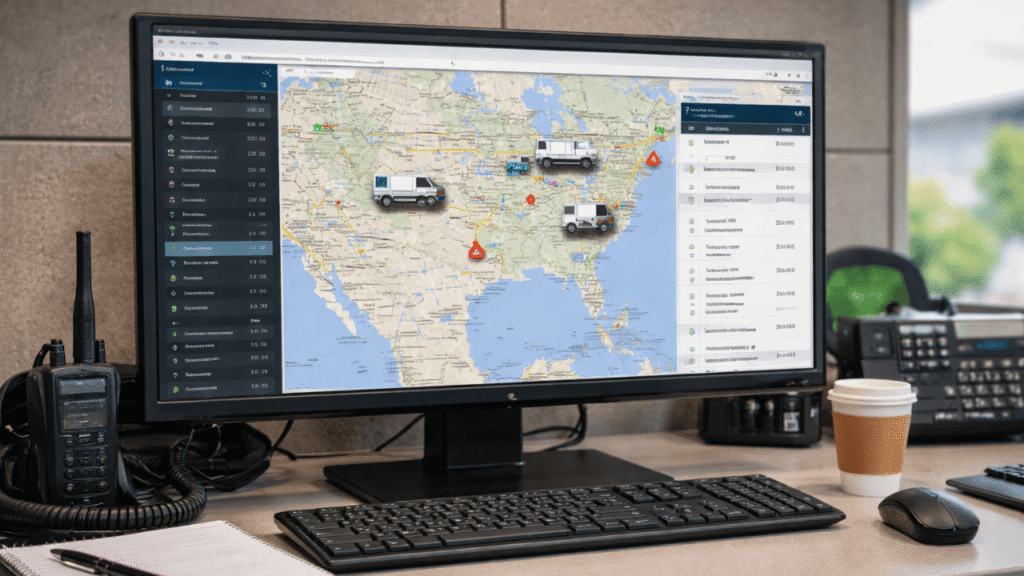
If your team is still copying driver status updates from one screen to another, you’re burning time (and patience) every single day. ELD and dispatch integration fixes that by letting real-time hours, location updates, and duty status flow straight into your planning process, so your dispatchers stop guessing and start managing by facts.
The goal isn’t “more tech.” The goal is fewer phone calls, fewer missed appointments, cleaner records, and fewer last-minute schedule scrambles. And when you set up ELD and dispatch integration the right way, you’ll feel the difference fast.
Table of Contents
Why ELD and Dispatch Integration Matters Day-to-Day
When systems don’t talk to each other, people become the “integration.” That usually means:
- Re-typing driver availability
- Chasing ETAs and check calls
- Overbooking loads because HOS wasn’t current
- Arguing about who changed what and when
A solid ELD and dispatch integration provides dispatch with a live view of what’s realistic, especially for hours-of-service planning and exception handling. That’s the difference between “best guess scheduling” and “deliverable scheduling.”
How to integrate ELD with dispatch software
- Before you use an API, make a map of the data you need.
List the specific fields that dispatch needs to make choices, such as the driver’s duty status, the number of hours left, location pings, trailer/asset information, stop times, and exception events. If you don’t set this up, you’ll end up with a messy firehose of data that no one trusts. - Pick how you want to connect: with a native connector, an API, or middleware.
Many platforms offer built-in connectors. If not, use an API integration or a middleware tool to move data between systems. In any case, make sure you know who owns it, who takes care of it, and who fixes it when it breaks. - Make sure that all systems use the same names and IDs.
Most “integration problems” are just simple mistakes, such as incorrect driver IDs, tractor numbers, time zones, or location formats. You can stop weeks of fake errors later by fixing the naming rules once. - Use real situations to test, not perfect ones.
Do a pilot on a few units and include the hard parts, like yard moves, personal transportation (if used), changes, problems, and areas with weak signals. - Roll out in stages and keep track of how many people use it.
Begin with one terminal or one lane for customers. Watch how planners use the information, and then grow. A “big bang” launch won’t work as well as this one.
(Quick keyword check-in: ELD, dispatch, integration, fleet software, and workflow.)
Related Article: ELD Error Prevention Tips Drivers and Fleets Can Use
Best practices for ELD and dispatch integration
Make HOS a scheduling rule, not a suggestion.
Build guardrails so dispatch can’t assign a load that ignores live availability. This is where ELD and dispatch integration pays off the most, fewer bad commitments and fewer awkward customer calls.
Use exceptions to trigger action automatically.
Create alerts for late departures, unexpected idle time, unplanned stops, and near-violation situations. Then route alerts to the right person (planner, safety, or operations).
Treat data quality like safety equipment.
Drivers will find a way to get around the system if they don’t trust it. Teach people how to do their jobs right, including using accurate location prompts, correct duty status, and timely edits with the right notes.
Secure the connection and limit access.
Use role-based permissions and audit logs. The more systems you connect, the more you need to control who can edit, approve, or override records.
Watch the “hidden” KPI: stop time.
Time stamps can help you spot detention patterns and planning issues that don’t show up in mileage reports.
Common Mistakes That Make ELD and Dispatch Integration Fail
- Trying to integrate everything at once (start with the dispatch-critical fields)
- No owner for troubleshooting (someone must “own” the pipeline)
- Not training dispatchers (they need to know what the data means and how fresh it is)
- Ignoring edge cases (border crossings, offline sync, reassigned equipment)
When you avoid these, ELD and dispatch integration becomes a daily advantage, not a monthly headache.
Related Article: ELD Troubleshooting Common Scenarios
Wrap-Up: Turn ELD Data Into Better Dispatch Decisions
The best ELD and dispatch integration setups do three things well: they feed dispatch clean, real-time availability; they automate exceptions; and they make the schedule more realistic. If you build it step by step, data mapping, standardization, piloting, and training, you’ll cut manual work and improve service without adding chaos.
Need Help Streamlining ELD + Dispatch Operations?
Reach out to us at www.welocity.ca, call 905-901-1601, or email info@welocity.ca if you need any trucking-related services. Whether it is ELD setup, compliance training, or vehicle inspections, we have you covered.