
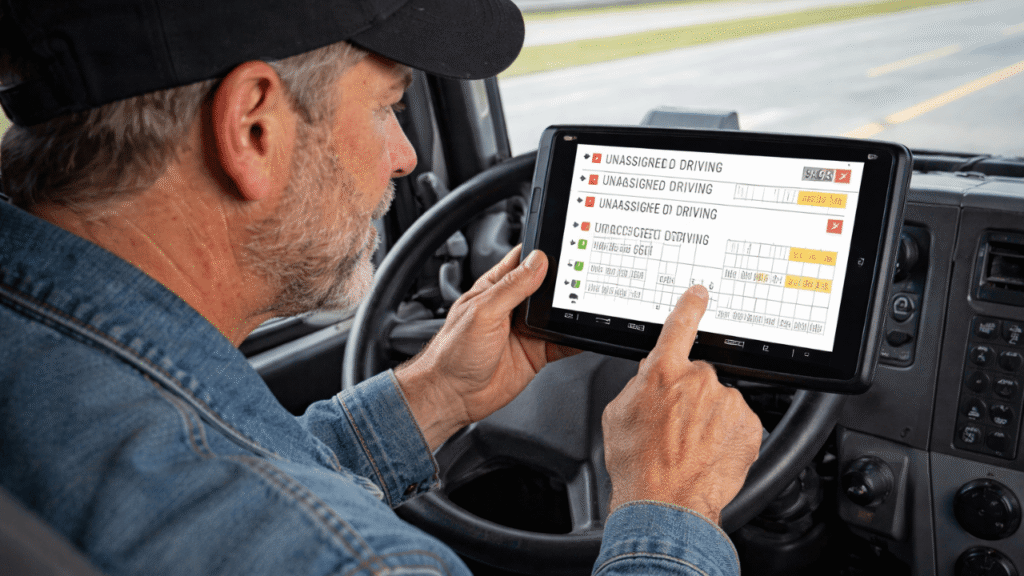
You’re not the only one who has thought, “I’ll fix my log later” after a shift. But that’s also how small problems become big ones: more edits, confusing timelines, and stressful stops on the side of the road. It’s not about being perfect when you log your ELD. It’s about making a simple routine that you can stick to every day, no matter what happens.
In this “day in the life” walkthrough, you’ll see what proper ELD logging looks like from start to finish, so your log matches reality, your records stay clean, and you spend less time fighting the screen.
Table of Contents
Daily ELD log example for truck drivers: Step-by-step guide to proper ELD logging
6:00 AM — Start the Day the Right Way
Before you even roll, treat your ELD like your seatbelt: you don’t skip it.
Do this first:
- Log in and confirm you’re on the correct truck
- Check that the date/time looks right
- Make sure yesterday’s log is certified (if your system requires it)
This is the foundation of proper ELD logging. If you start clean, you stay clean.
6:15 AM — Pre-Trip Without Guesswork
Most of the time, the miles themselves don’t cause logging problems; it’s the delays and lack of context that do.
What helps here:
- Set your pre-trip time as soon as you start (don’t wait until you’re already on the road).
- If something strange happens, like a maintenance delay, a long line at the gate, or a crowded yard, write it down right away.
You are not writing a book. You’re just making sure that the ELD logs are easy to read for anyone who looks at them later.
7:00 AM — First Pickup and Loading Time
This is where drivers often forget updates because everyone’s focused on “get loaded and go.”
Quick habits that keep you out of trouble:
- Change your status when you actually stop moving and start working
- Add a short note if the shipper runs long (example: “Waiting at the dock”)
- Don’t “batch update” later unless you absolutely have to
If your log matches what actually happened, proper ELD logging becomes automatic.
9:30 AM — Fuel Stop and Breaks
Breaks are one of the easiest places to slip, especially when you’re trying to make time.
Here’s the simple rule: log the break when you start it, not when you remember it. If you do that, proper ELD logging stays consistent, and you avoid those awkward “why is this missing?” moments later.
12:00 PM — Midday Check: Two Minutes That Save You an Hour
This is a great time to do a quick “log health” check:
- Are your statuses accurate so far today?
- Do you have any prompts or alerts?
- Did anything weird happen that needs a note?
That tiny check is a big part of proper ELD logging because it prevents end-of-day cleanup.
3:00 PM — Receiver Delays, Detention, and Real Life
This is where a clean log separates pros from chaos. Detention and long waits happen. The key is logging them clearly.
If you’re stuck waiting:
- Keep your record honest and simple
- Use short, plain notes if needed (example: “Detention at receiver”)
- Don’t try to “make the log look nicer” than the day actually was
Proper ELD logging is about accuracy, not aesthetics.
6:00 PM — End of the Day: Wrap It Up Clean
This is the most important part, because it’s where people rush.
End-of-shift routine for proper ELD logging:
- Confirm your final status for the day is correct
- Review the day for any missing notes or obvious errors
- Certify the log before you walk away
When you certify daily, you stop carrying yesterday’s problems into today.
Common “Day-in-the-Life” Mistakes (And How to Avoid Them)
These are the usual culprits that break proper ELD logging:
- Logging in after you’ve already moved the truck
- Waiting until bedtime to fix status changes
- Adding edits with no explanation (or vague explanations)
- Ignoring prompts until they pile up
The fix is boring, but it works: small updates in the moment, and a clean review at the end.
What Proper ELD Logging Looks Like Over Time
After a week of doing this, drivers typically notice:
- Fewer edits and fewer questions from the office
- Faster roadside interactions because the record is easy to follow
- Less stress because the log “makes sense” without explaining it
That’s the real win: proper ELD logging makes your day smoother, not harder.
Related Article: Logging Best Practices for Owner-Operators
Make Logging a Routine, Not a Rescue Mission
The best way to stay consistent is to stop treating logs like paperwork you fix later. Proper ELD logging is just a handful of habits: start clean, update in the moment, do a quick midday check, and certify at the end. Repeat that, and you’ll spend less time correcting and more time moving.
Need Help Improving ELD Habits Across Your Fleet?
Reach out to us at welocity.ca, call 905-901-1601, or email info@welocity.ca if you need any trucking-related services. Whether it is ELD setup, compliance training, or vehicle inspections, we have you covered.